


COMING TO THE APP STORE
Pearlcase
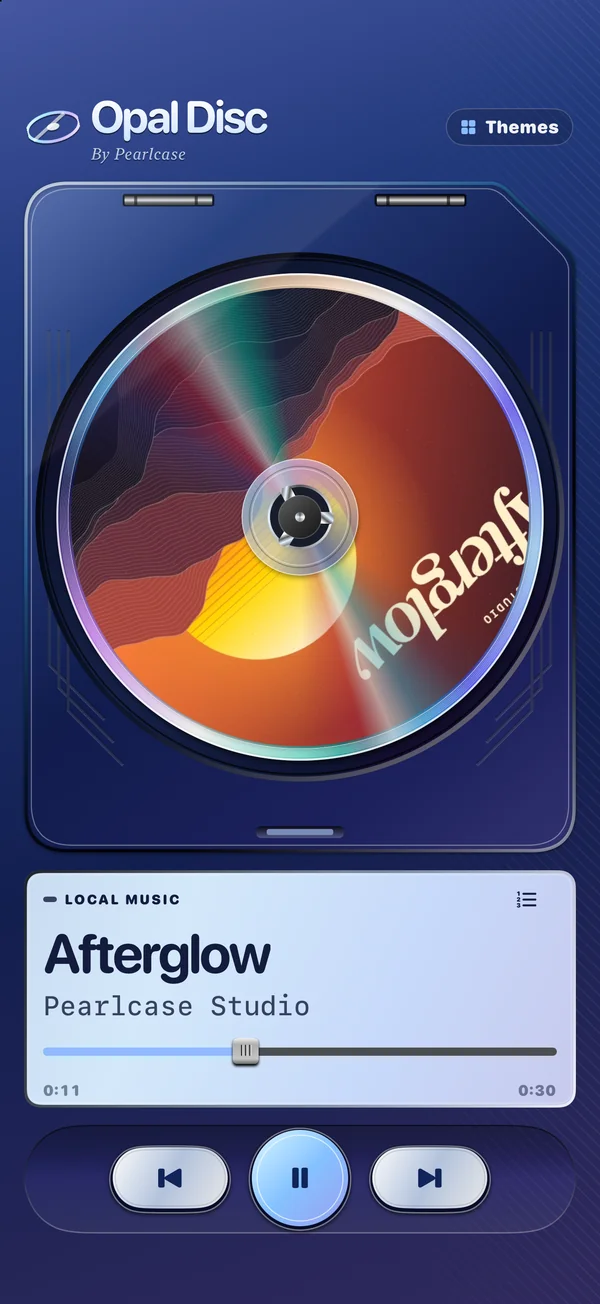
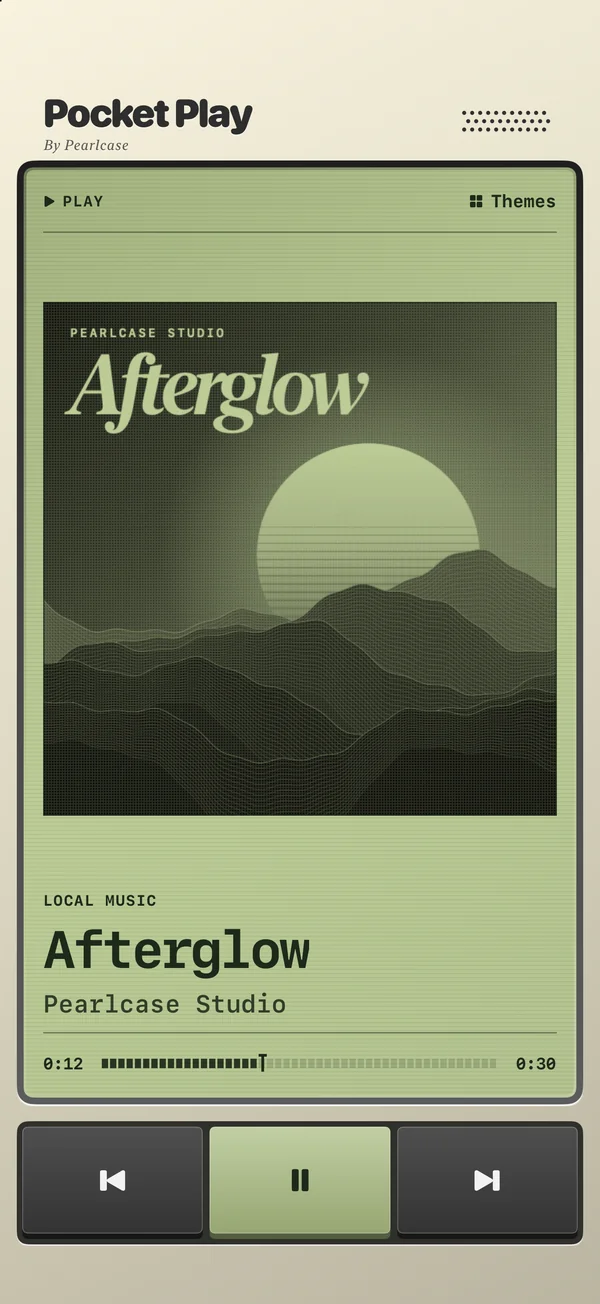
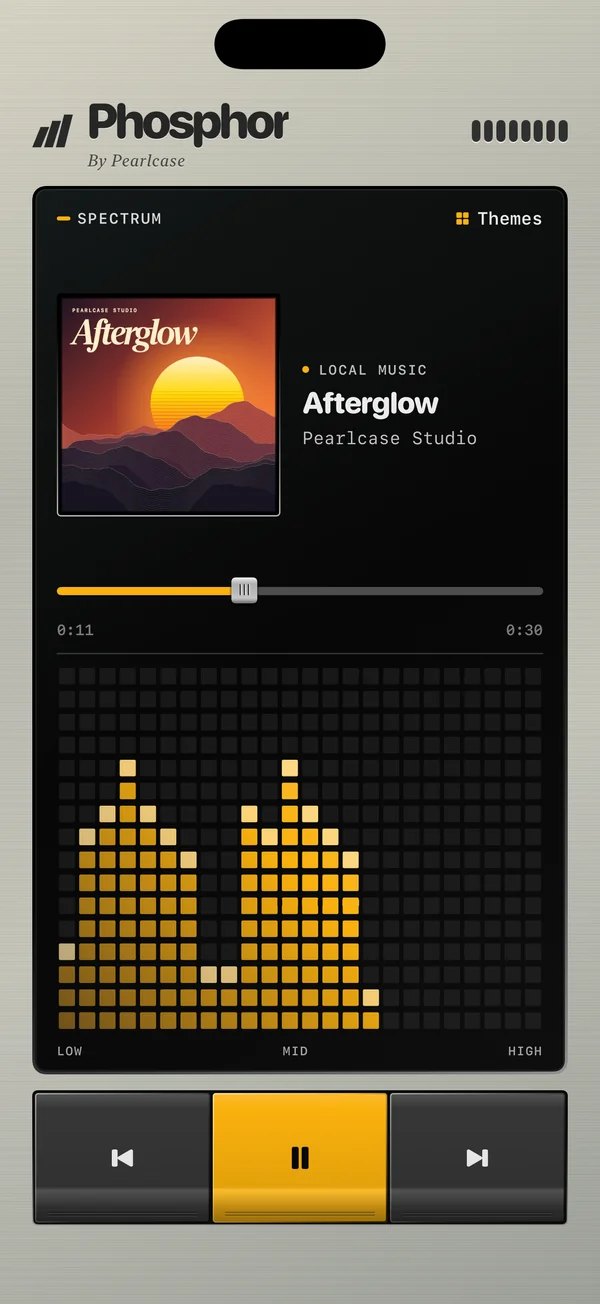
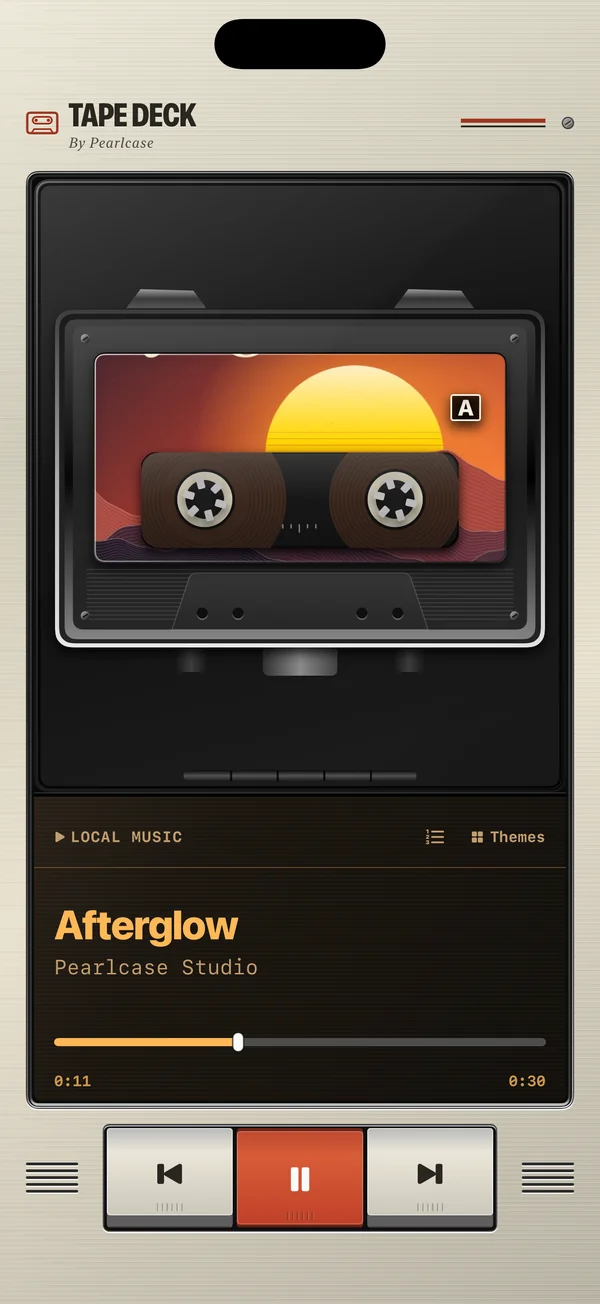
Put your album art on a spinning record, a reflective CD or a pocket stereo.
Explore the playersThe players
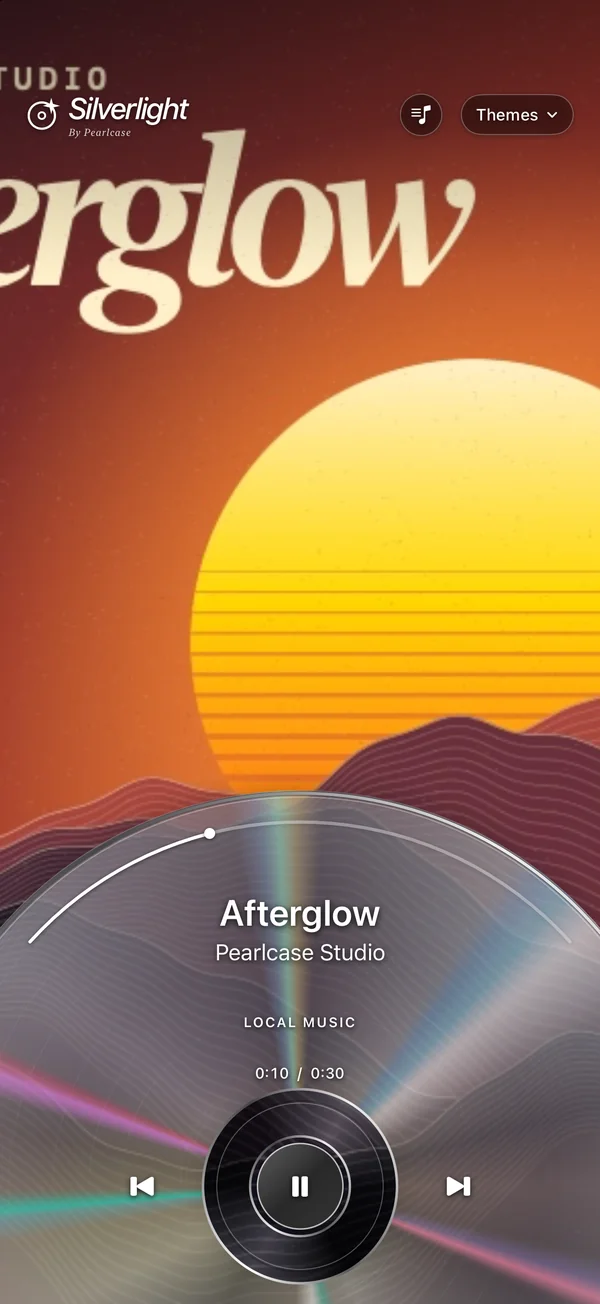
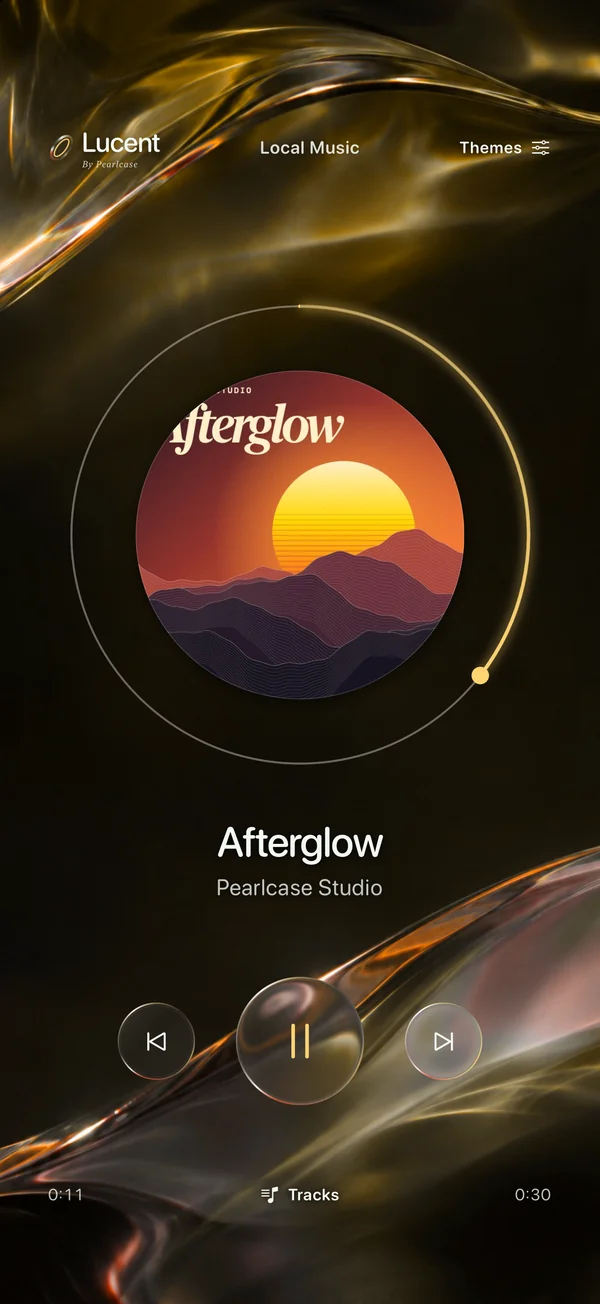
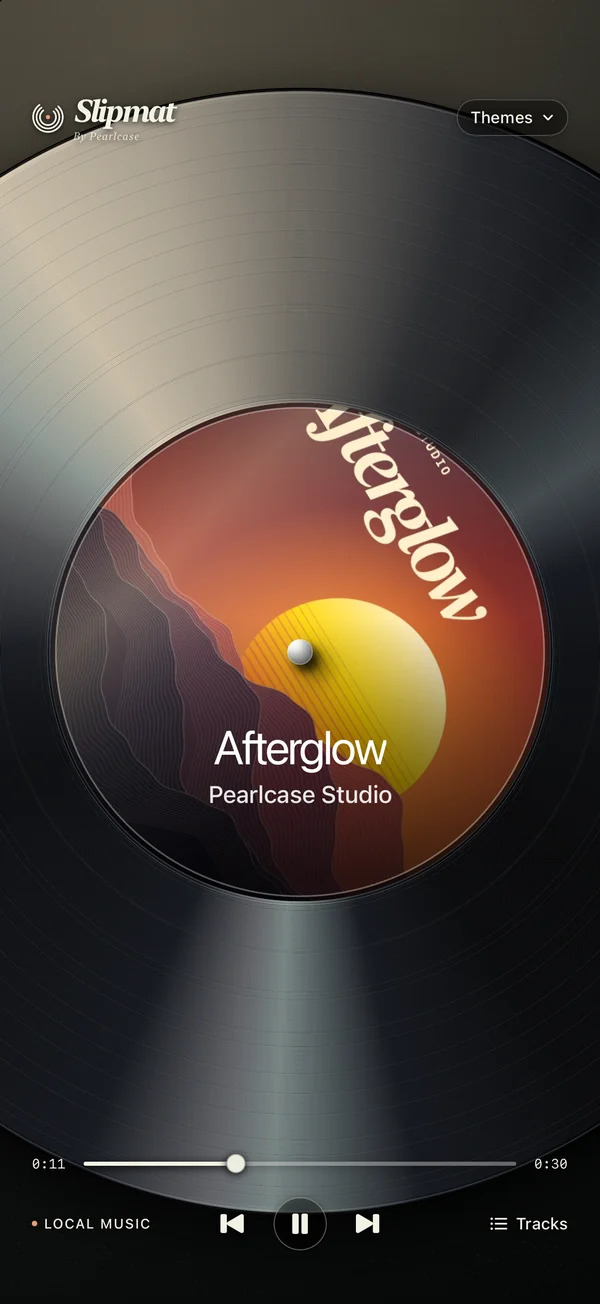
Play from your own collection
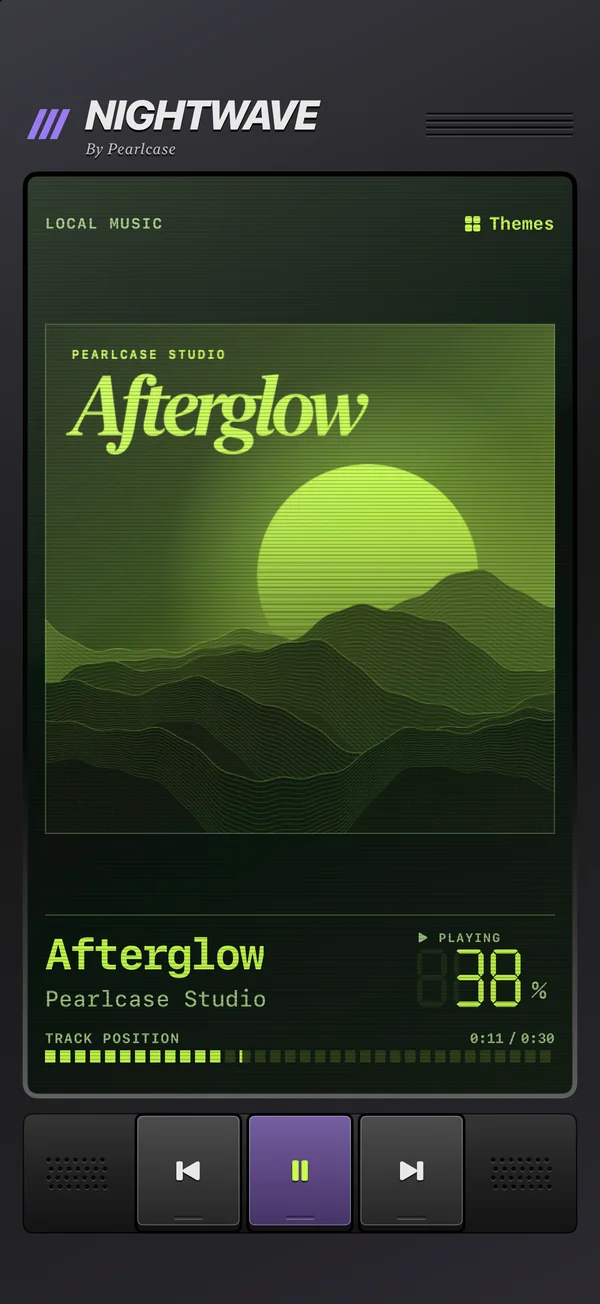
Connect Apple Music to pick up the song already playing, then tap the source label to browse your library. You can also choose a folder in Files and play the tracks you keep there. With local music, Amped’s bass meter responds to the sound.
Find a player worth keeping
Ten players come with Pearlcase. Swipe up or down to change the player while your song keeps going. Pearl Hardware #2 adds Pocket Play, Phosphor, Tape Deck and Nightwave in one optional purchase. You can preview each design and restore your purchase in Themes.
Take the player beyond the app
Add a matching widget to your Home Screen. Tap the artwork to open Pearlcase, or play, pause and skip directly on a medium widget. On a paired Apple Watch, swipe through the ten included designs and use their keys to control playback on your iPhone.